
In today’s multi-platform world, images are everywhere. From social media posts and blog articles to newsletters and ads, each platform has its own image requirements. Managing all those formats manually can quickly become a time-consuming and error-prone task. That’s where Photalika steps in.
Photalika is designed to help teams and professionals save time while keeping their visual content consistent and high quality across all channels. Its intuitive interface allows new users to get started quickly, reducing onboarding time and enabling immediate productivity.
One Image, Many Platforms, no Headache
Each platform has its own rules for image sizes and formats. An image that looks perfect on Instagram may be cropped awkwardly on LinkedIn or lose impact on a website banner.
For instance, Instagram favors square or vertical formats, while LinkedIn typically works better with horizontal images for posts and banners. Adapting visuals for each platform often means duplicating work and juggling multiple tools.
For more insights on image sizes, check out our documentation
With Photalika, you can customize image sizes for different platforms from a single workspace. Create the necessary formats once and reuse them whenever you need to; no more starting from scratch every time.
Edit Faster, Stay Consistent
Photalika’s tools let you edit photos in no time. You can:
- Adjust image sizes to match platform requirements, selecting the appropriate format for social media or web.
- Apply visual styles consistently by saving your brand style as a favorite, including filters, color adjustments, and sizes.
- Tweak colors, brightness, and contrast in one place, ensuring that all your images meet your defined style guidelines.
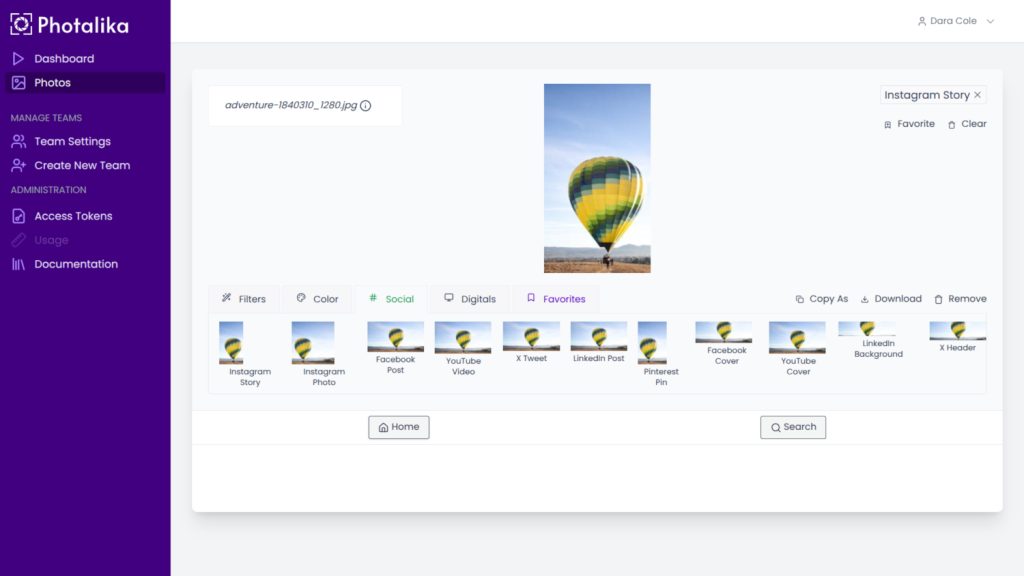
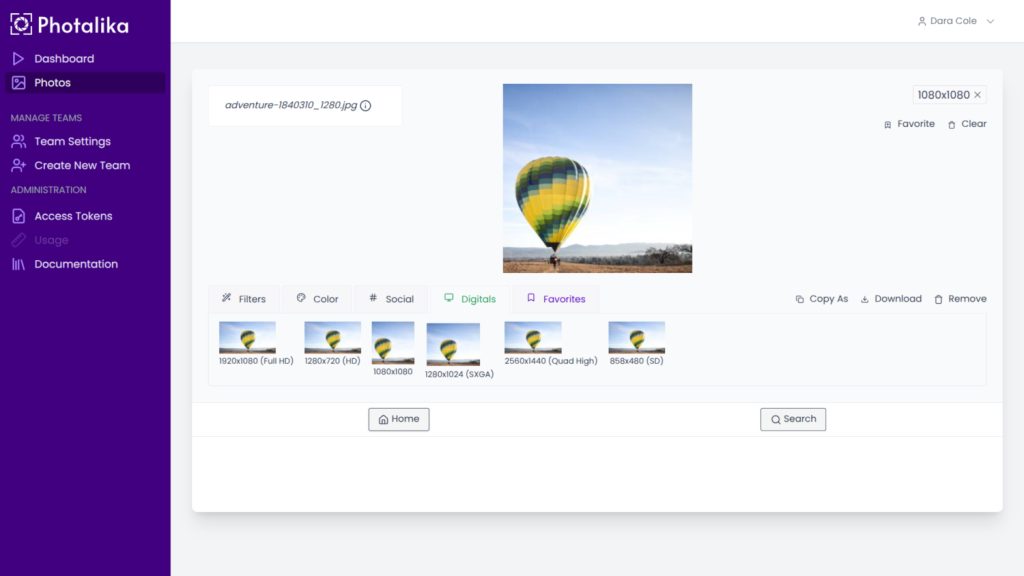
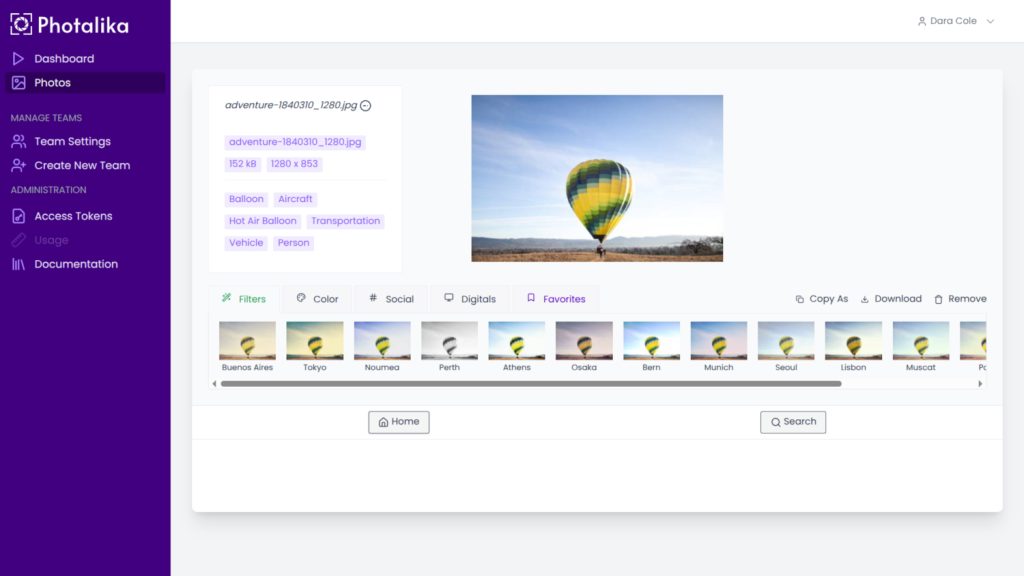
Since everything happens in a single workflow, your images remain visually aligned with your brand while meeting each platform’s technical needs.
Quality First, Always
Resizing images often results in a loss of quality unless you use the right tools. Photalika ensures your visuals maintain their sharpness and impact, even when adapted to multiple formats. Your images won’t just fit the platform; they’ll look great on it.
A Smarter Workflow for Teams
Whether you’re working alone or collaborating with a team, Photalika streamlines the entire image workflow. By centralizing resizing and editing, you reduce back-and-forth, eliminate repetitive tasks, and free up time to focus on creativity and strategy.
Try Photalika Today
Customizing image sizes doesn’t have to slow you down. With Photalika, you can quickly adapt your visuals for every platform, maintain consistent quality, and simplify your workflow, all from one powerful hub.

